Apps
Your AI work. Clear, organized, ready to use.
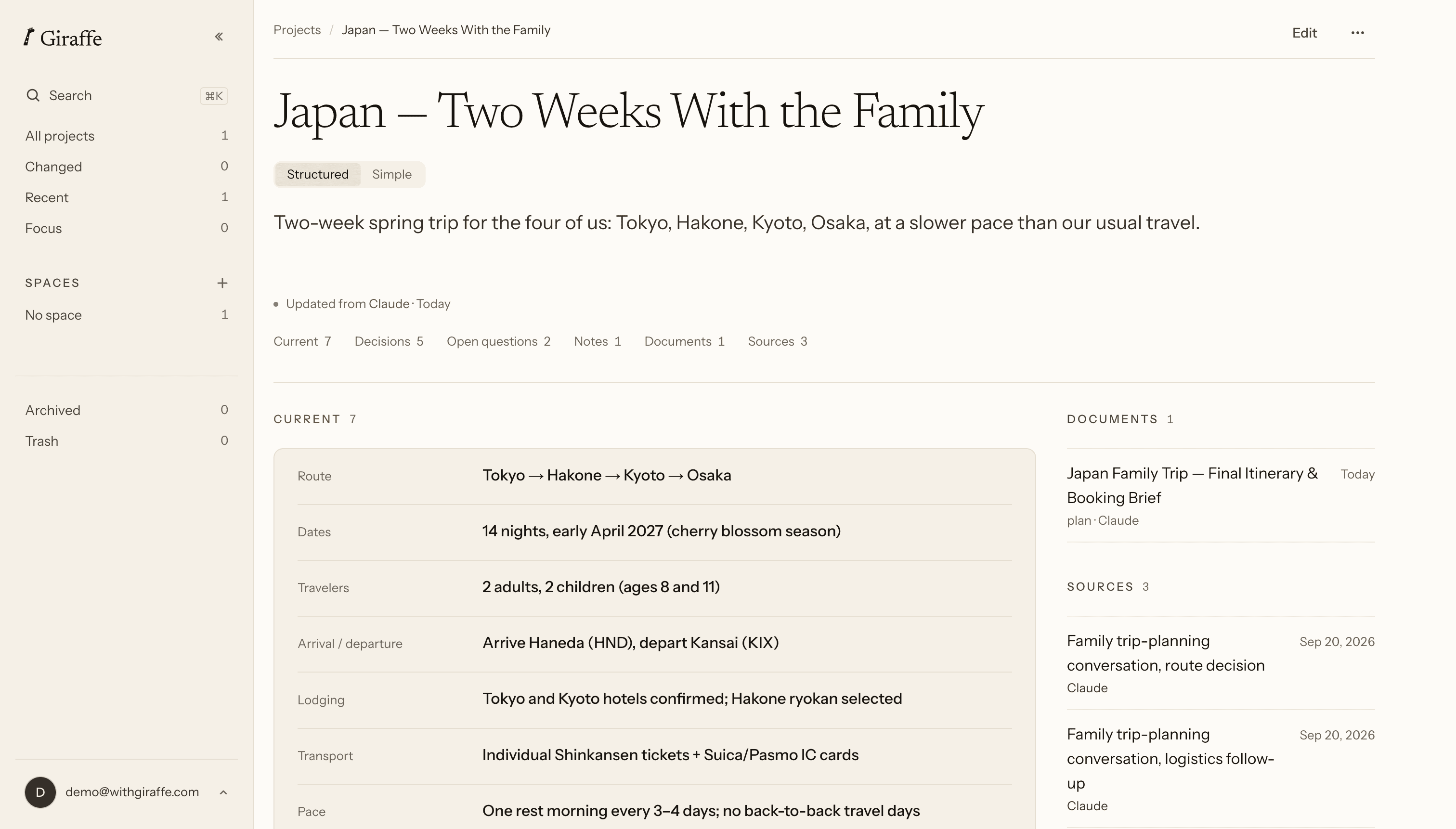
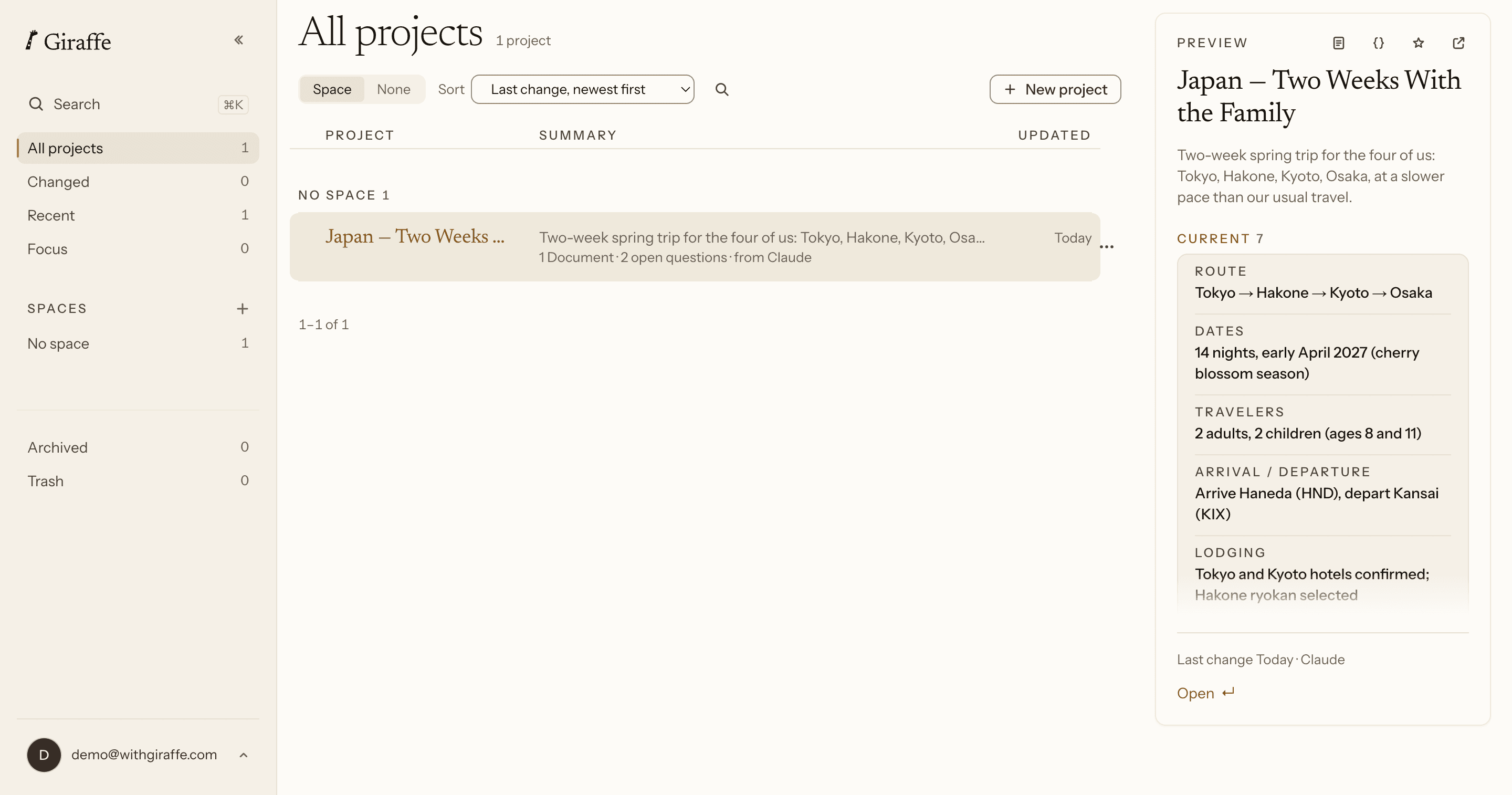
Open your projects to see where things stand, what you decided, and the documents you made — without going back through the chat.
Available now
On your devices
iPhone & iPad
Take your current projects into the moments they’re actually for.
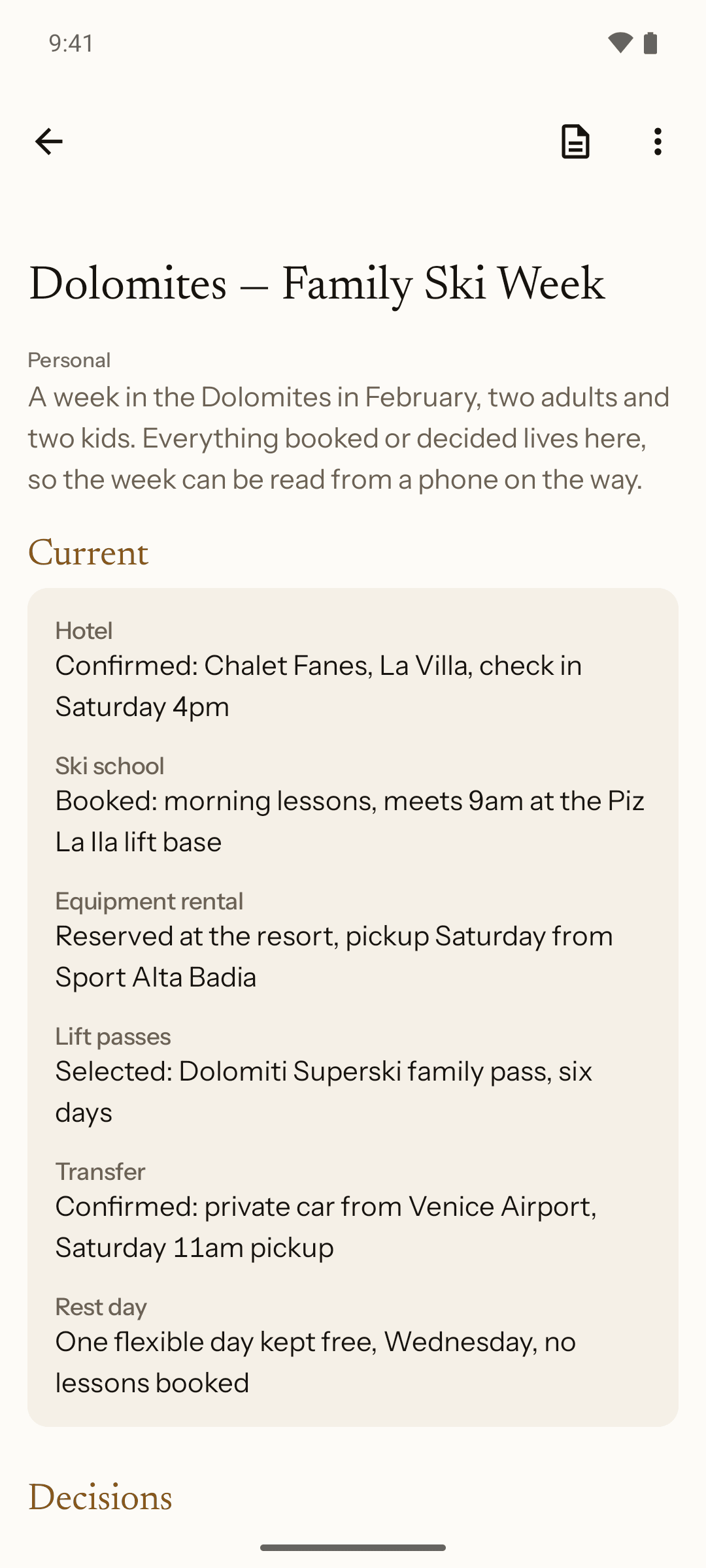
Where things stand, without rereading the chat.
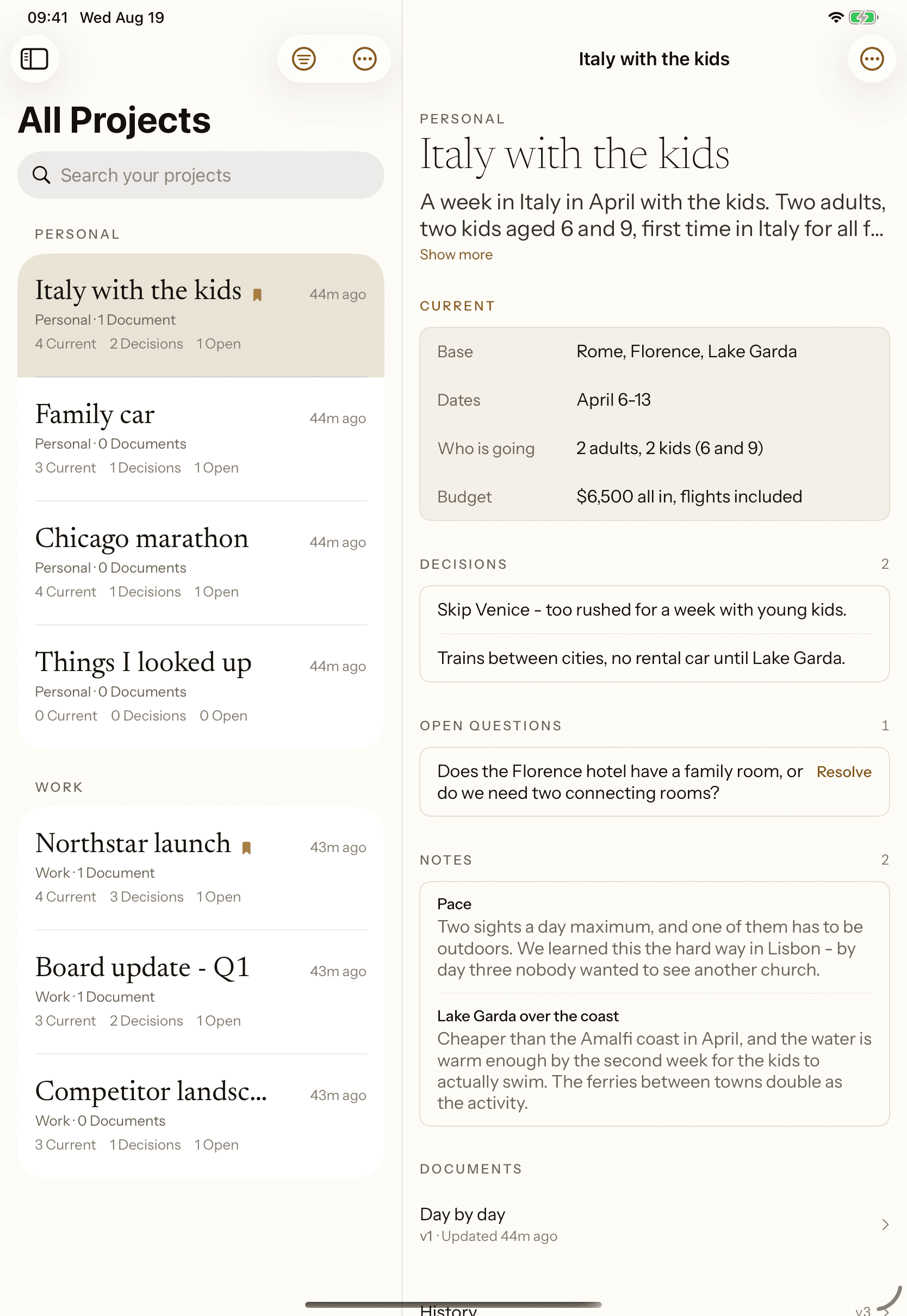
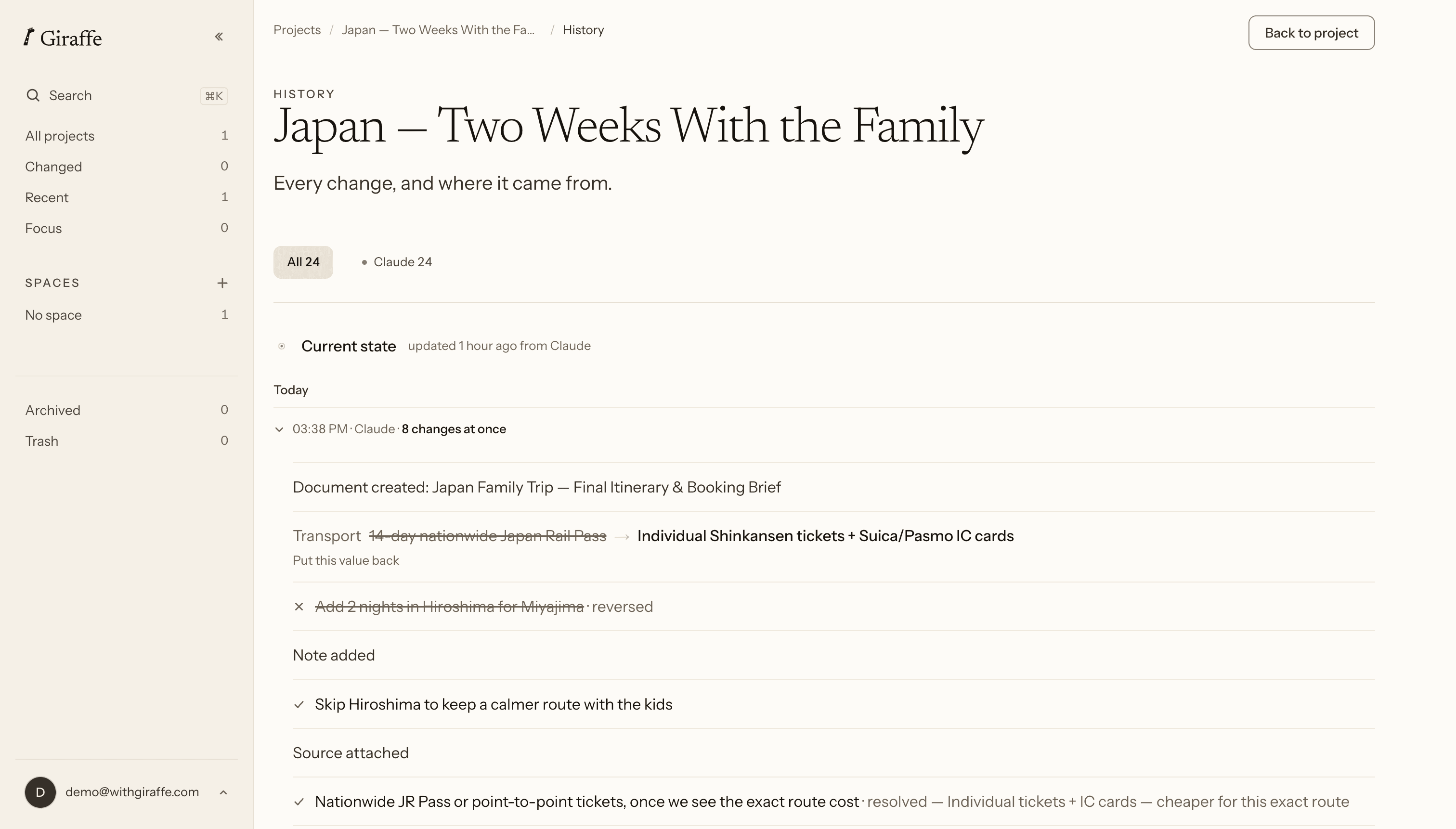
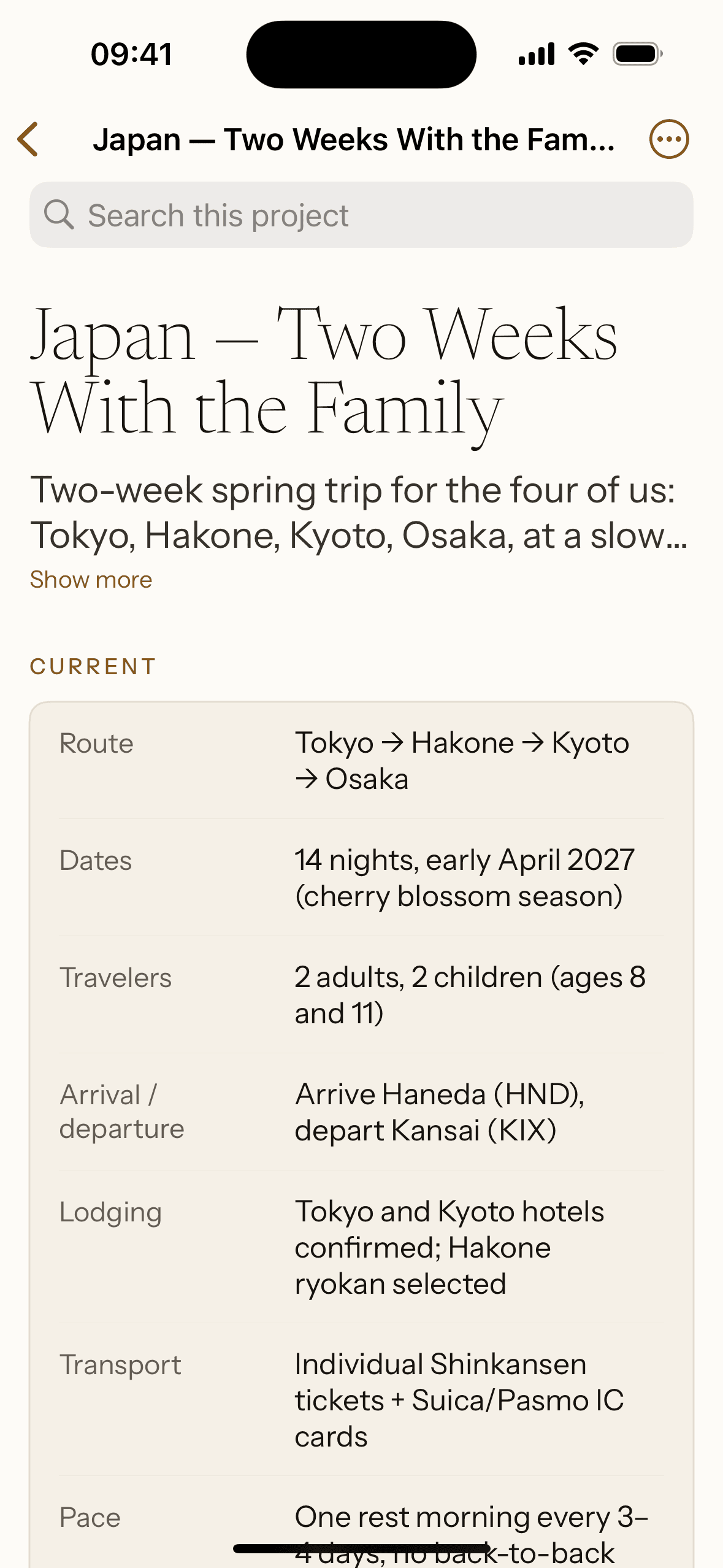
Open a project and it’s all there: what’s true now, what you decided, what’s still open, and the notes behind it. Every change keeps the value it replaced, dated and attributed.
Your assistant writes it
You don't retype what you already worked out. Ask it to save the conclusion and it lands in the project.
Nothing is overwritten
Every change keeps the value it replaced, dated and attributed to whoever made it: you, or the assistant.
Nothing is captured automatically
Giraffe has no view of your conversations. Only what you ask to save, or type in yourself.
Two ways to read the same project.
Structured is the working view: everything labeled and editable, with each change tracked next to the value it replaced. Switch any project to Simple and it reads instead as one calm page, nothing to edit, just the project itself.
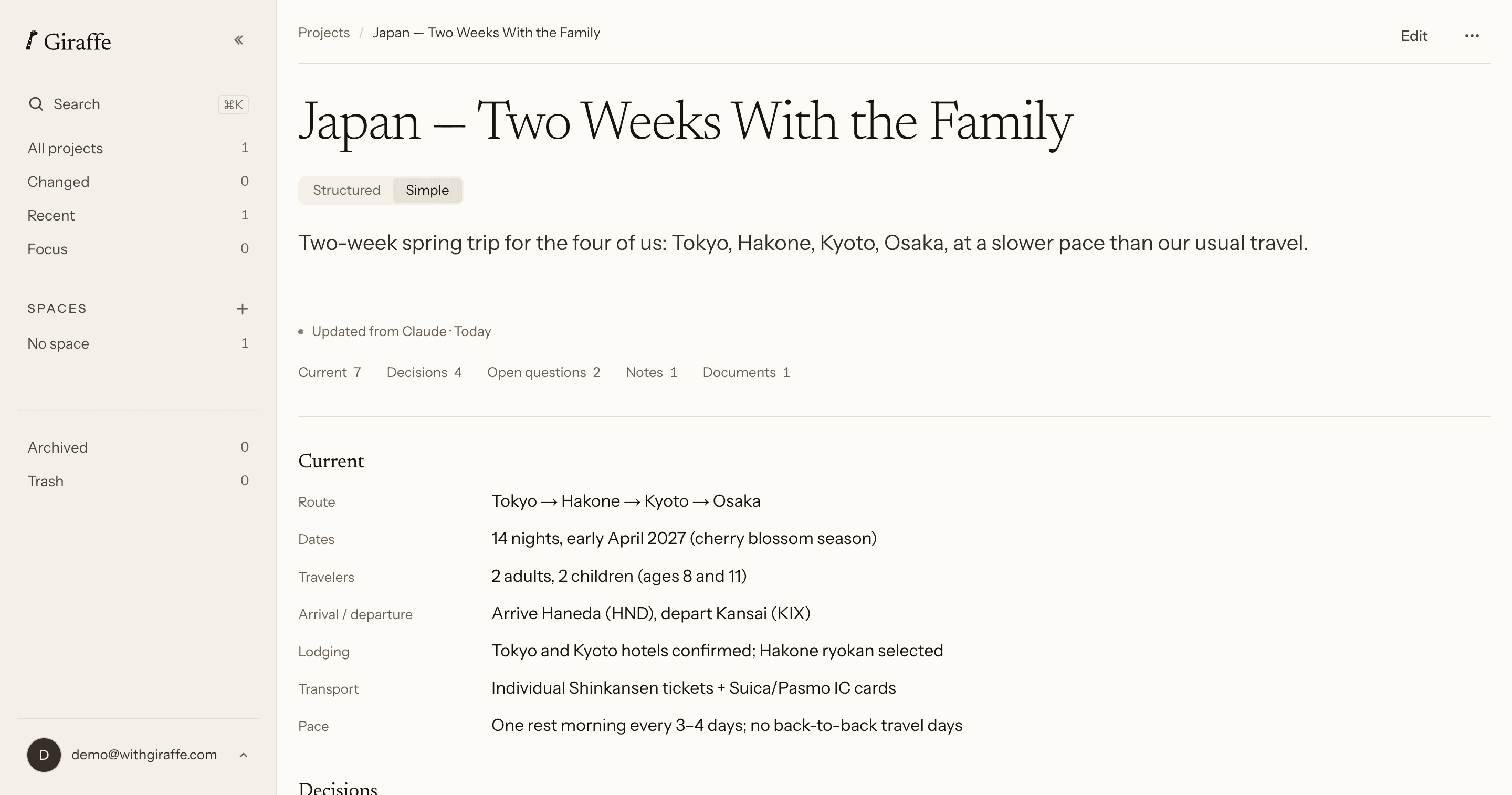
Structured
The working view. Every section labelled and counted, every value editable, the last changes listed underneath.
Simple
The same project as one calm page. No change list, nothing to edit, just the project itself.
Kept per project
Set one project to Simple and it opens that way next time. A default for all of them lives in Settings.
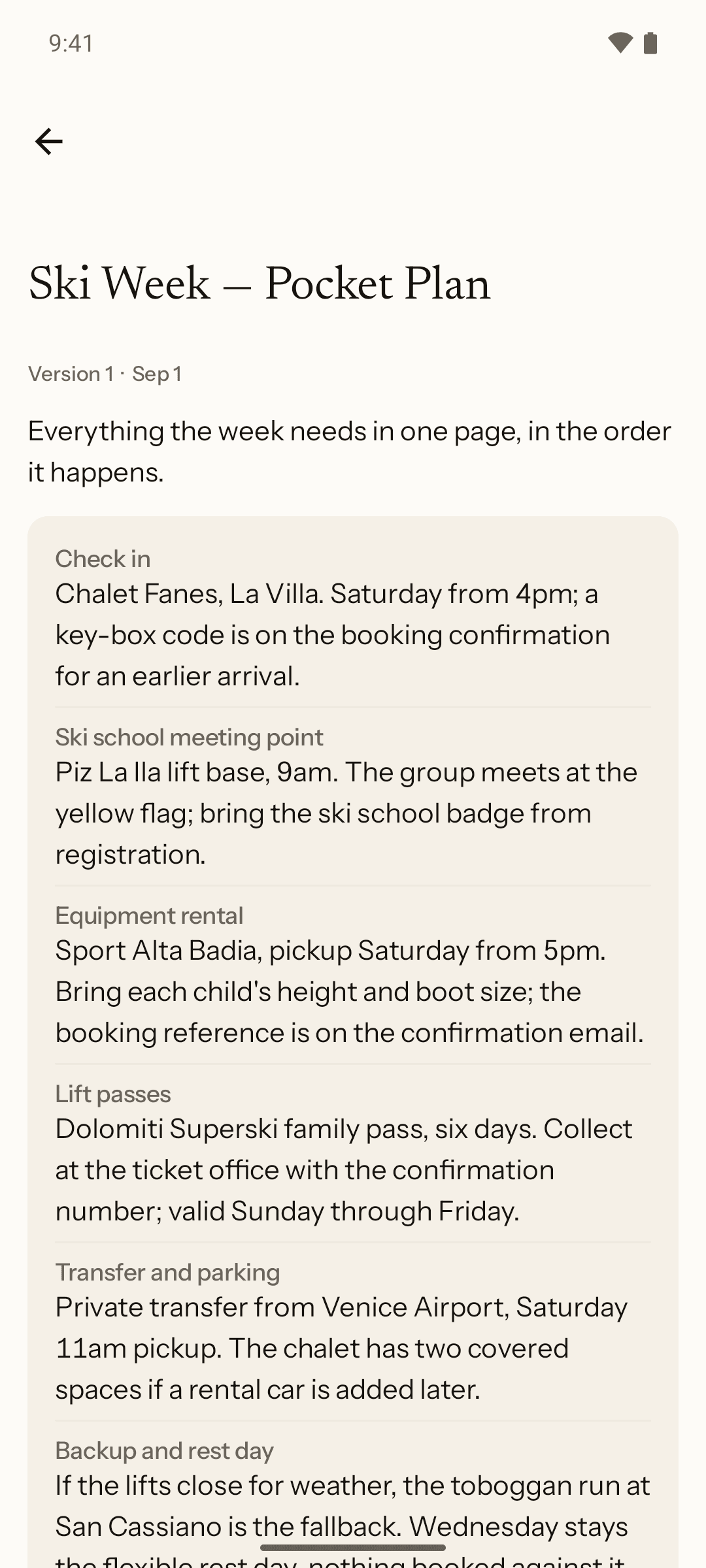
The documents you made, kept as you made them.
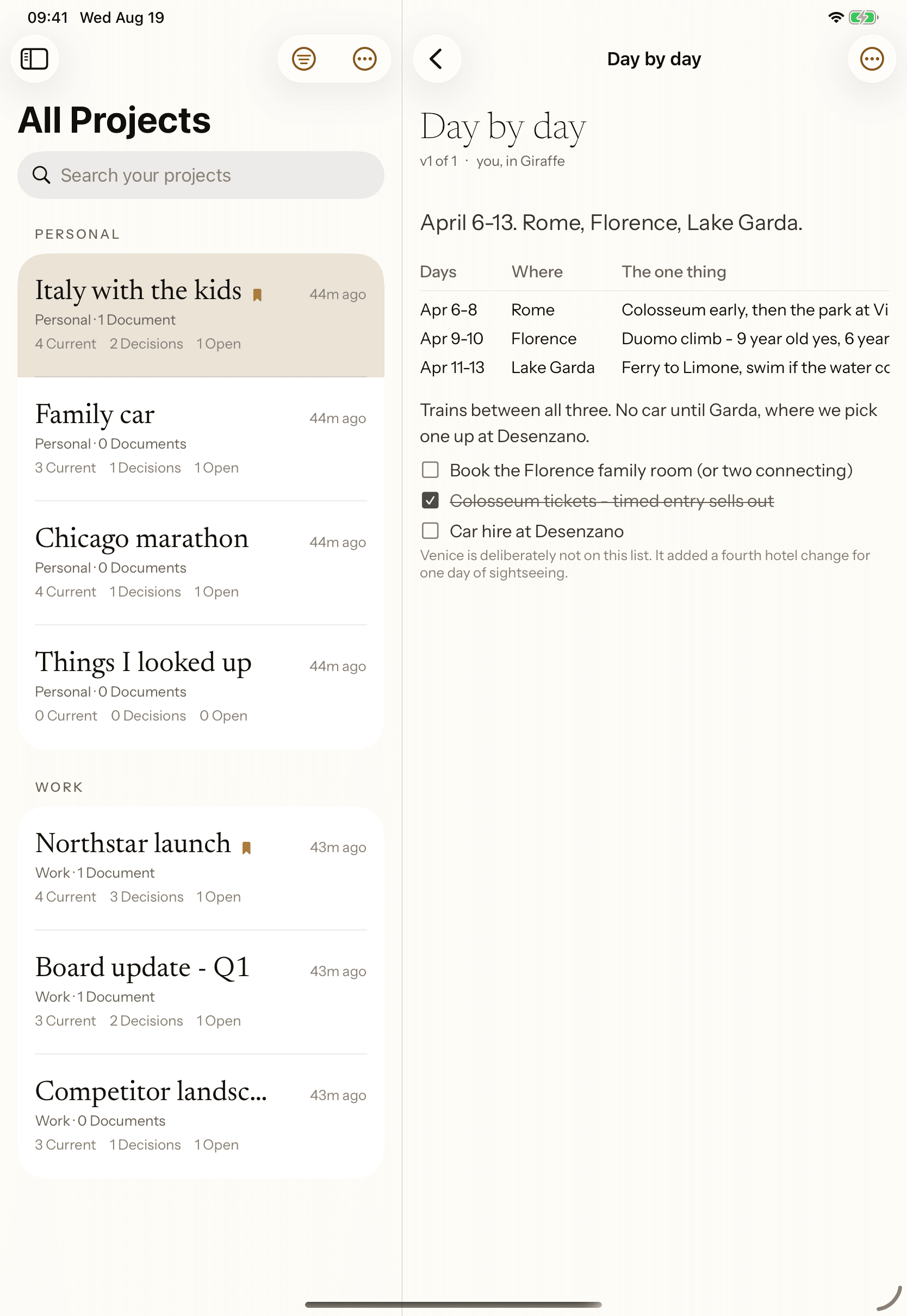
Ask your assistant for a brief and it lands in the project’s Documents, dated and versioned. Nothing rewrites itself: a new version keeps the one before it, exactly as it was written.
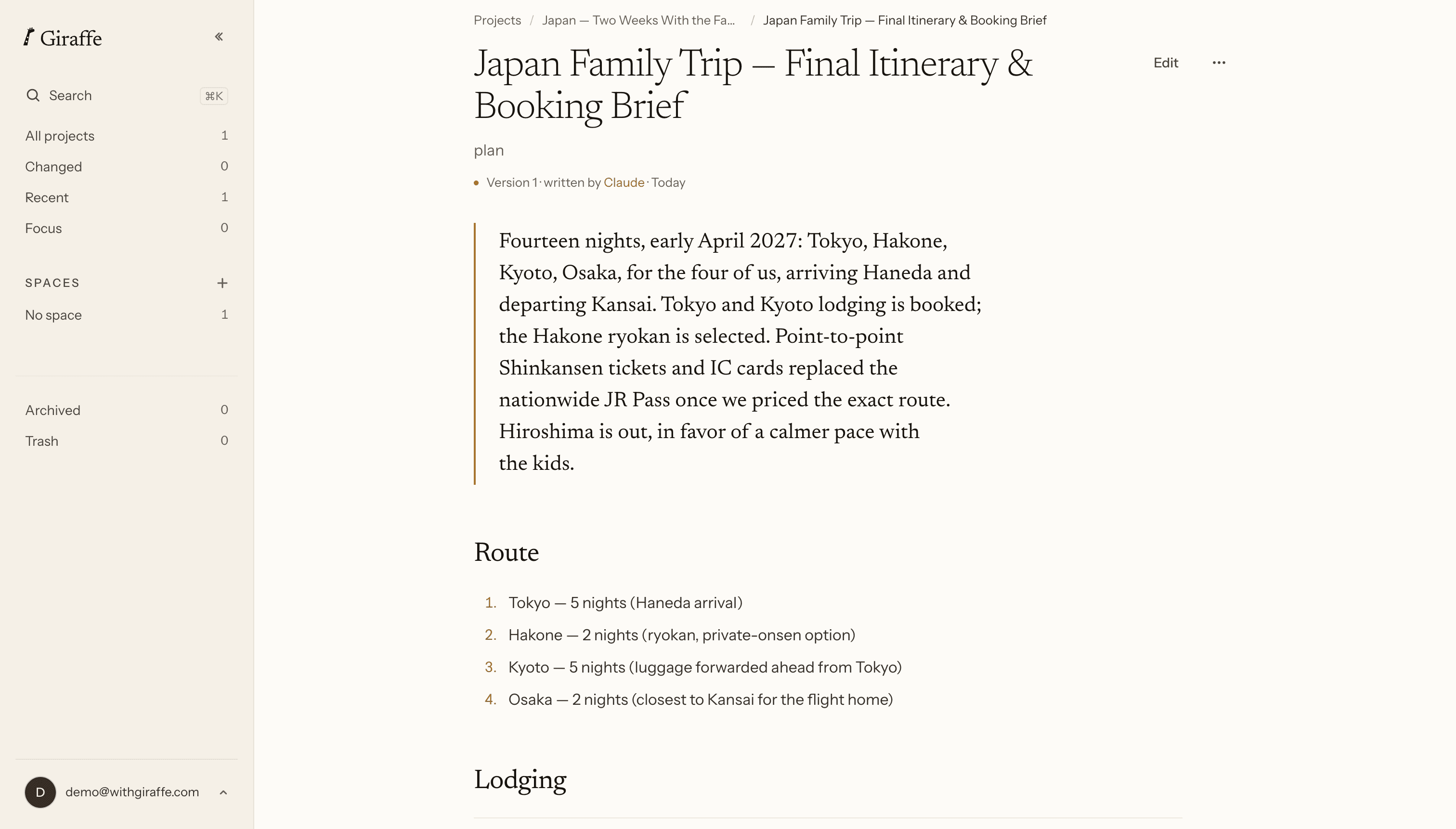
Written from the project
Your assistant builds it out of what the project holds, not out of the conversation it happened in.
Versions never overwrite
A new version is a new version. The one before it stays listed, exactly as it was written.
It says when it is behind
Change the project and the document marks itself as older than the work. It does not quietly rewrite itself.
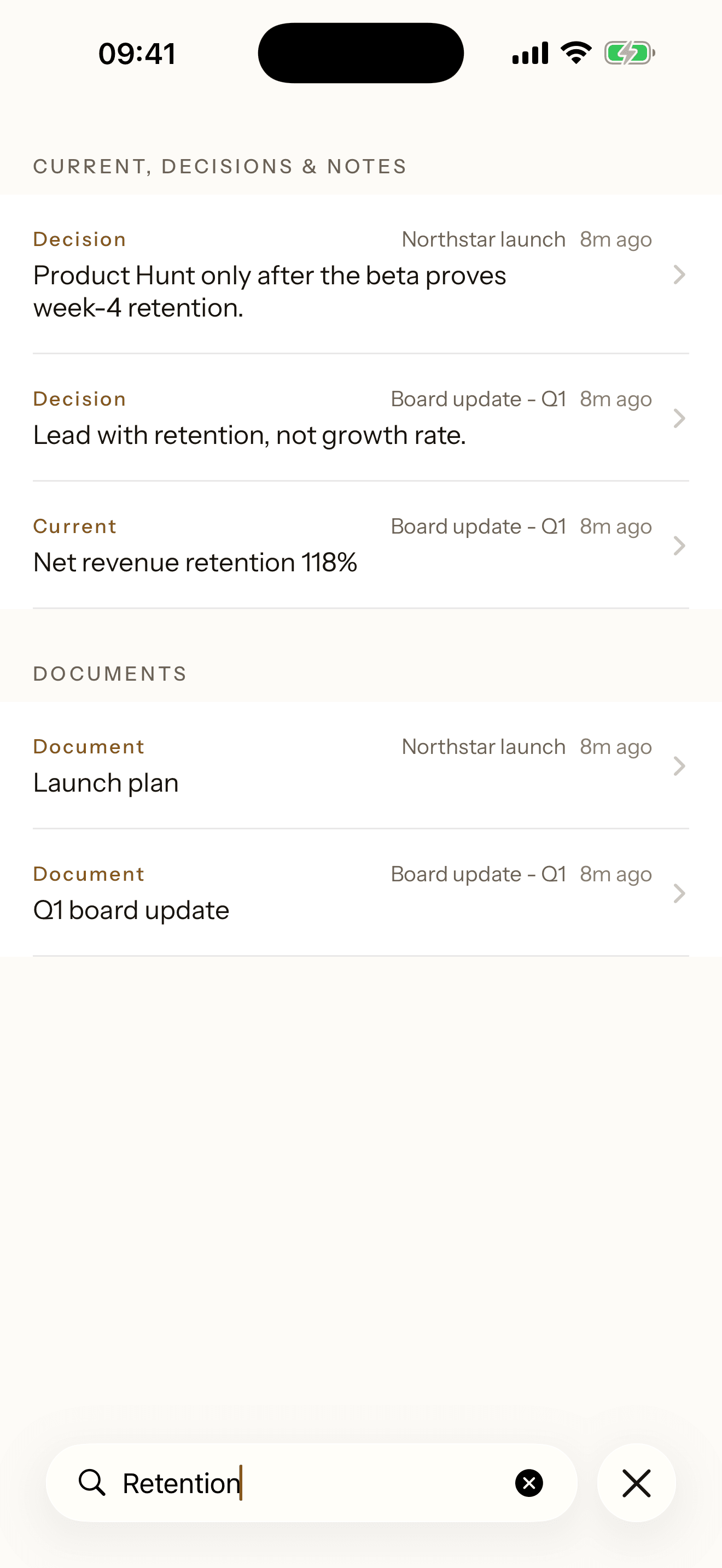
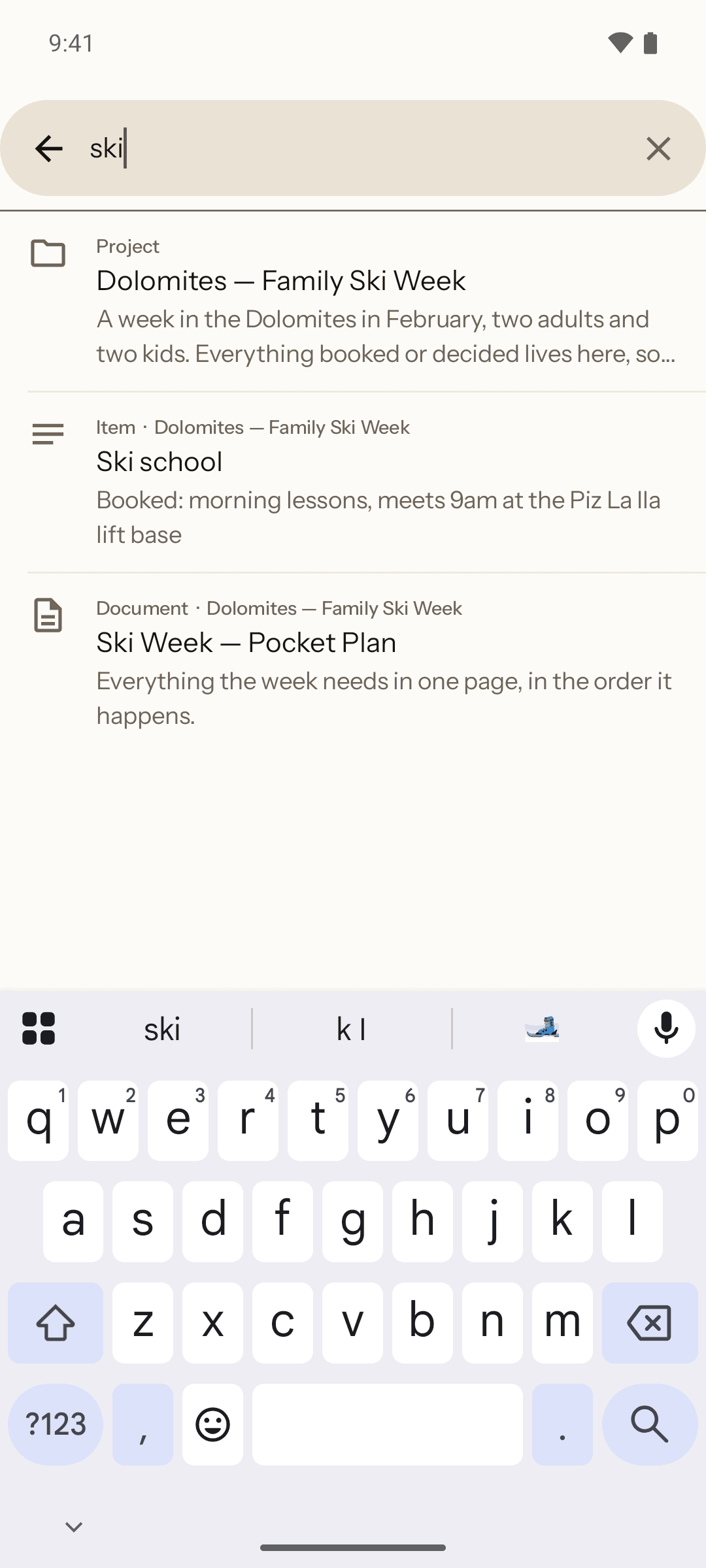
Every project searchable, and every change remembered.
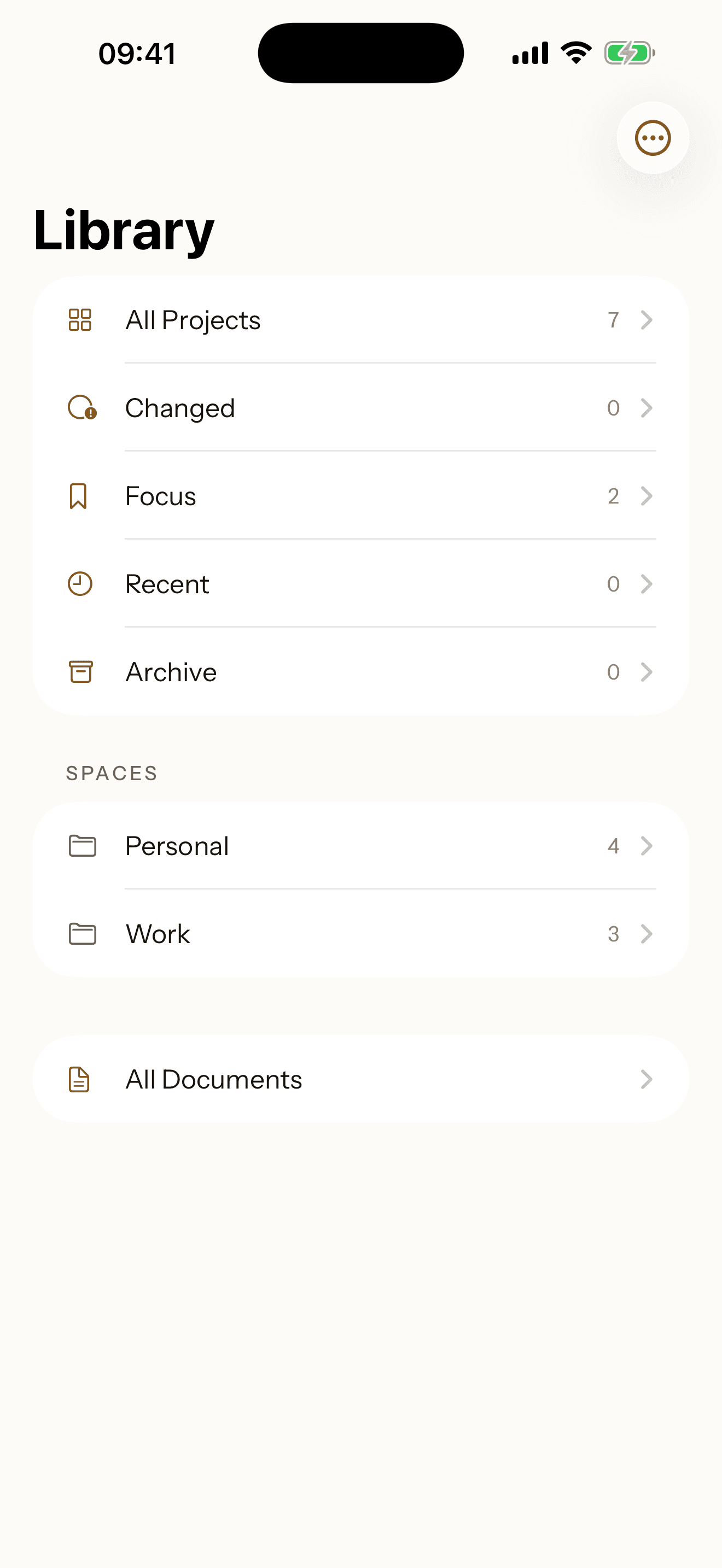
Every project lives in one list, and search reaches across all of them at once. History keeps every change, old value included, one click from being put back.
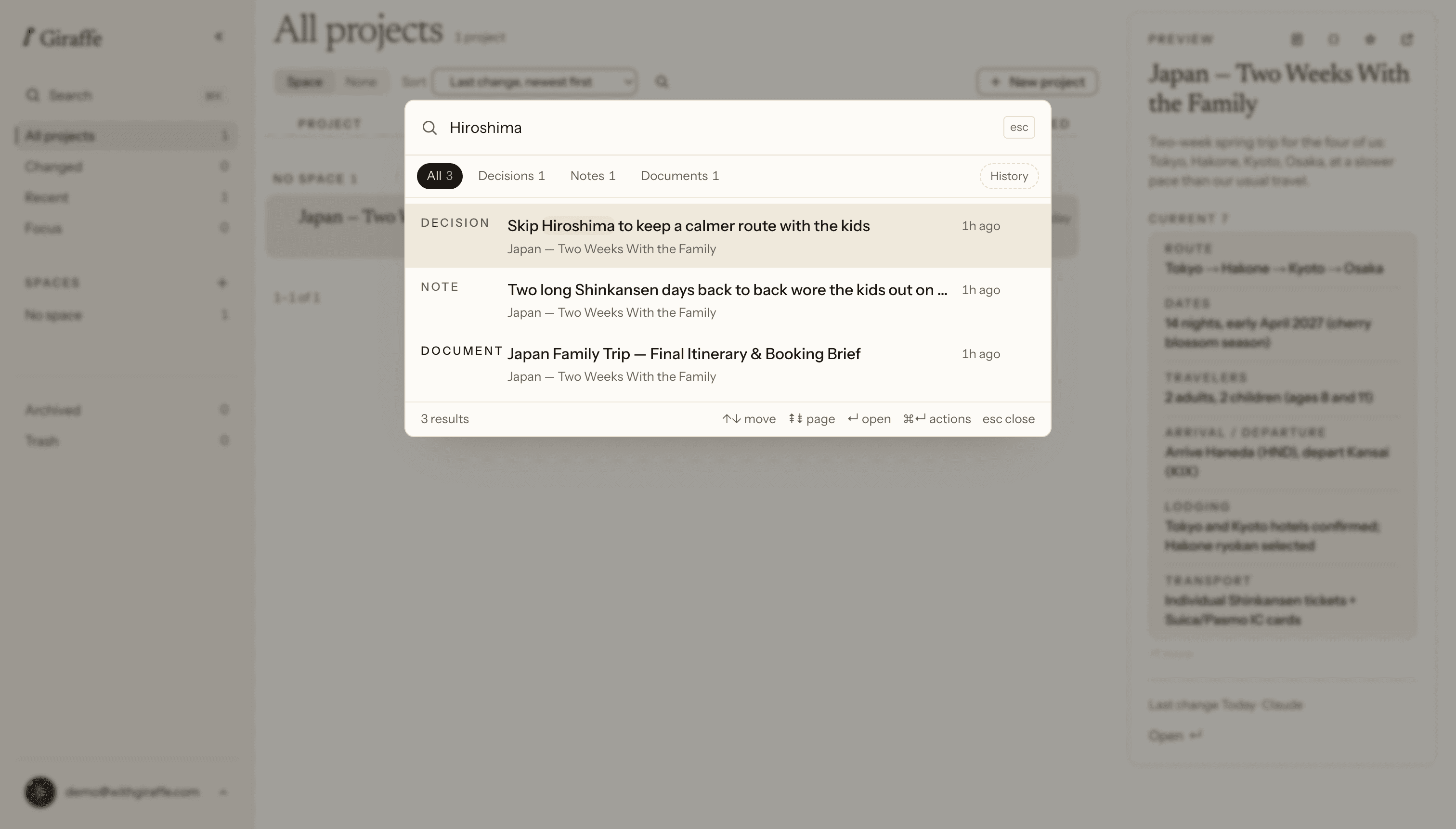
Search what you kept
Not transcripts. Search runs over the projects you saved, and every hit opens at the item itself.
Every project in one list
All of them together, across every Space, ordered by what changed last.
History, and a way back
Every change is kept. The value something used to hold is one click from being put back.
One project, open wherever you need it.
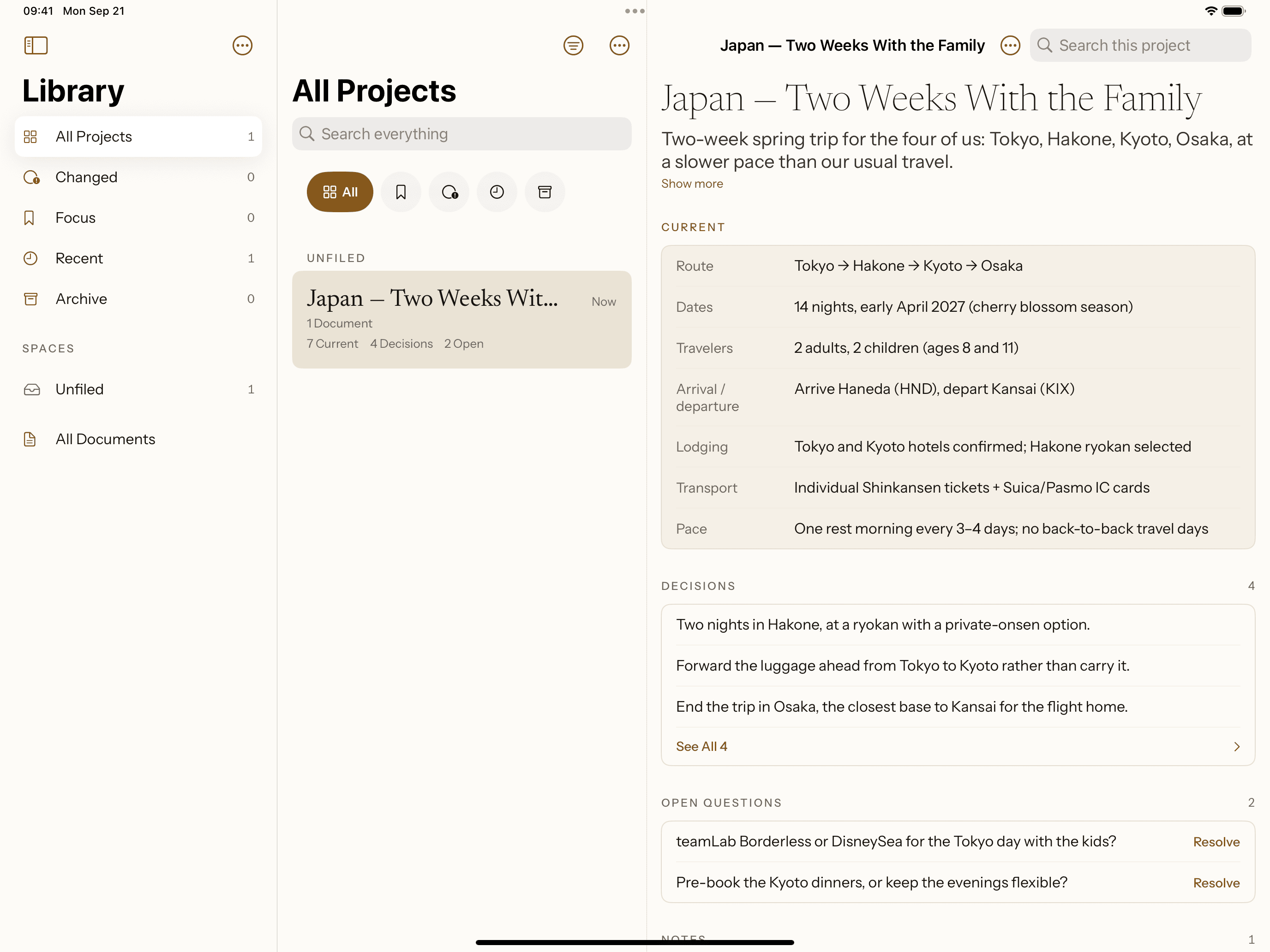
What you and your assistant settle is there, as you left it, the next time you open your phone. On iPad it opens in three columns, with the project list beside the project itself.
Already current
Open the phone and the project reads as you last left it, without opening anything twice.
Read here, write where you were
The phone is for reading. The one change it makes is closing an open question once it is settled.
Keep what you figure out.
One project is enough to start: write it by hand, or connect an assistant first.